
01
Program fills
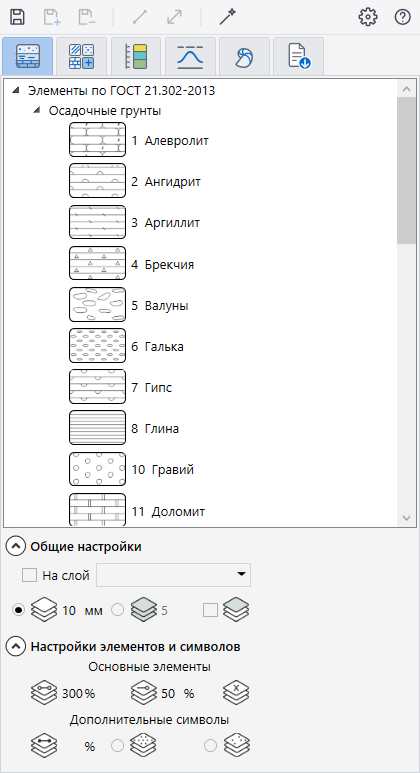
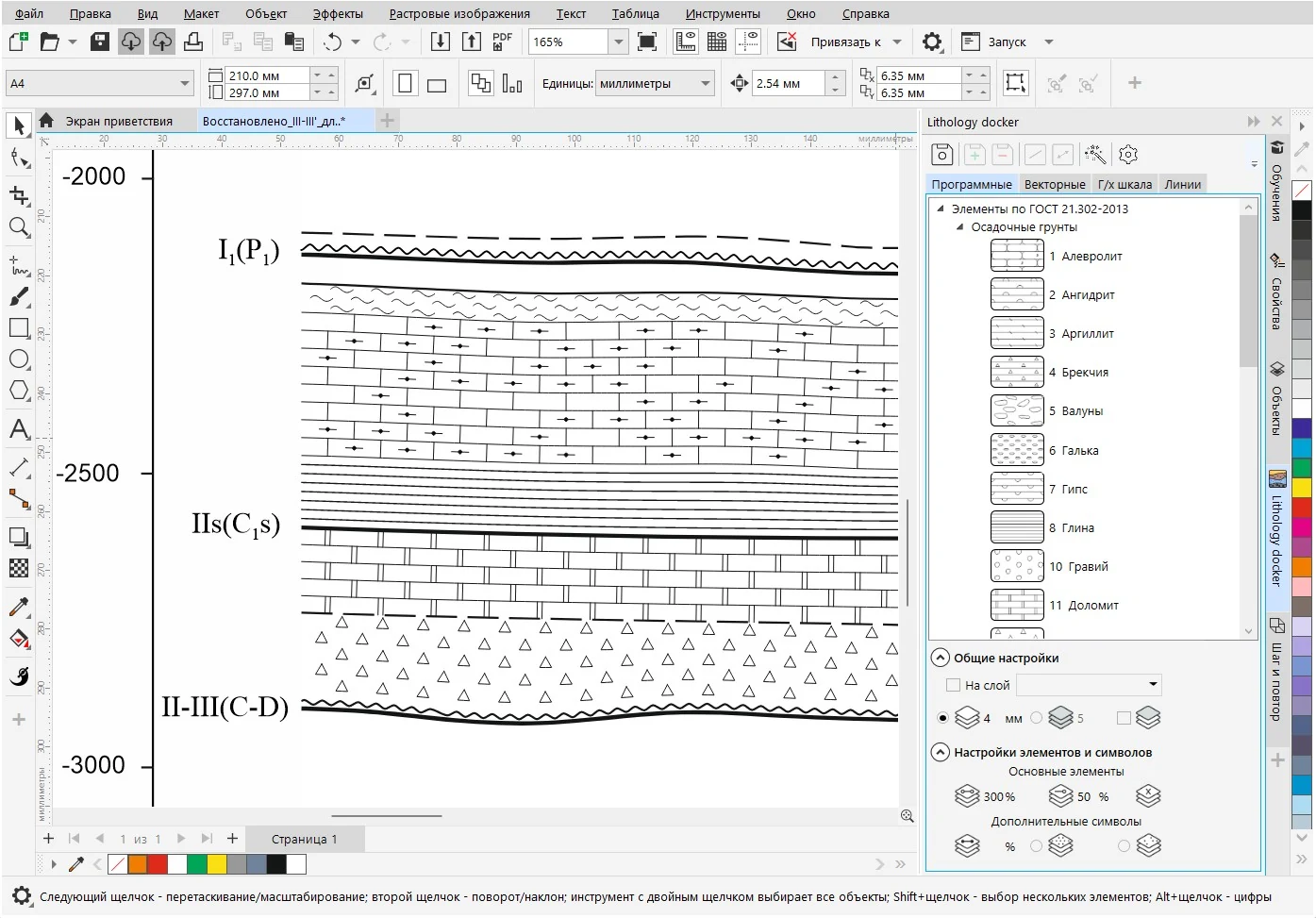
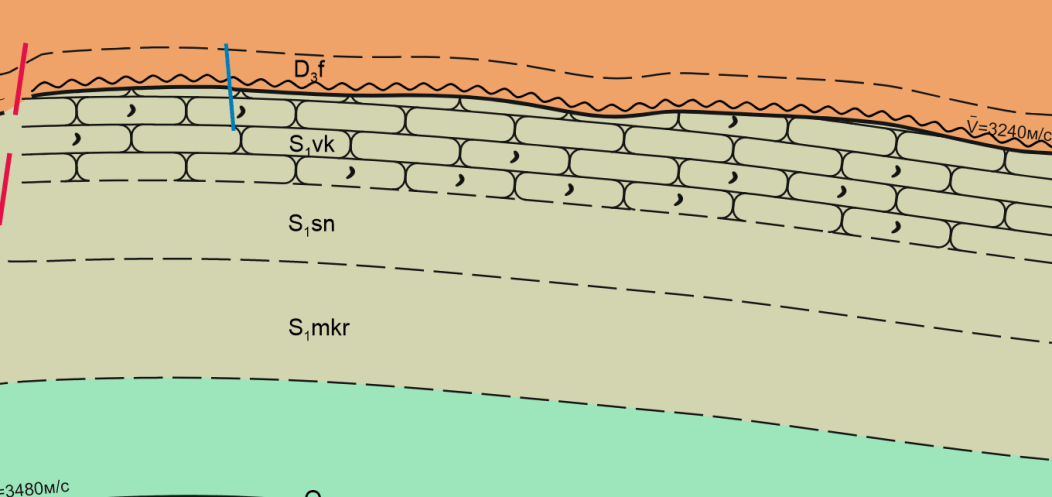
30 sedimentary rock fills based on GOST 21.302-2013. Scale, symbols and intermediate layers adapt to each object.
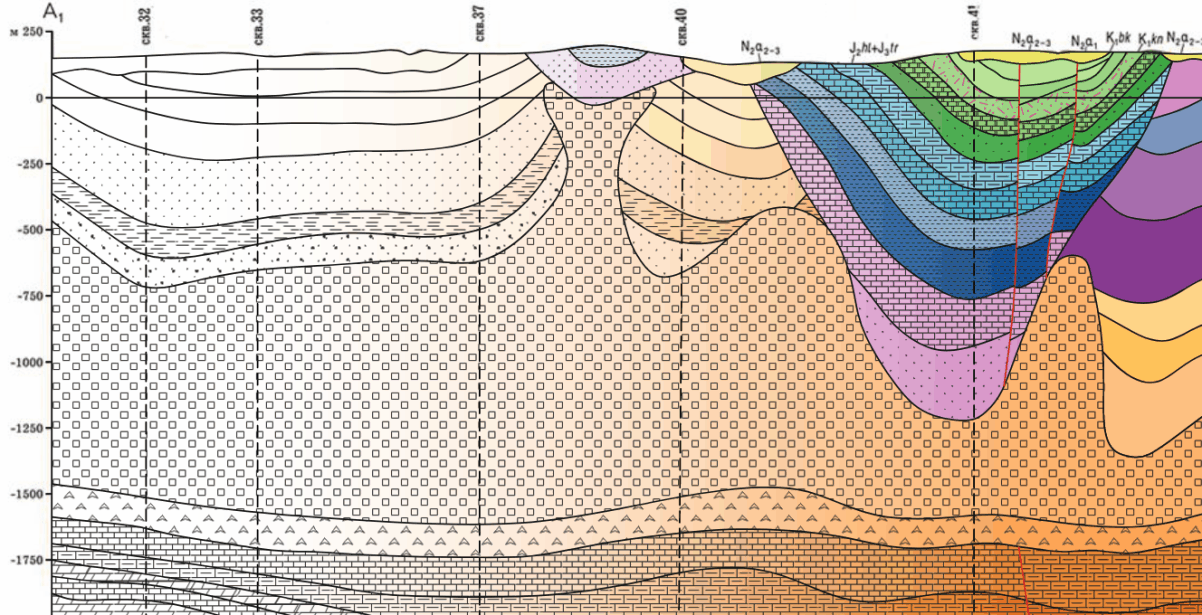
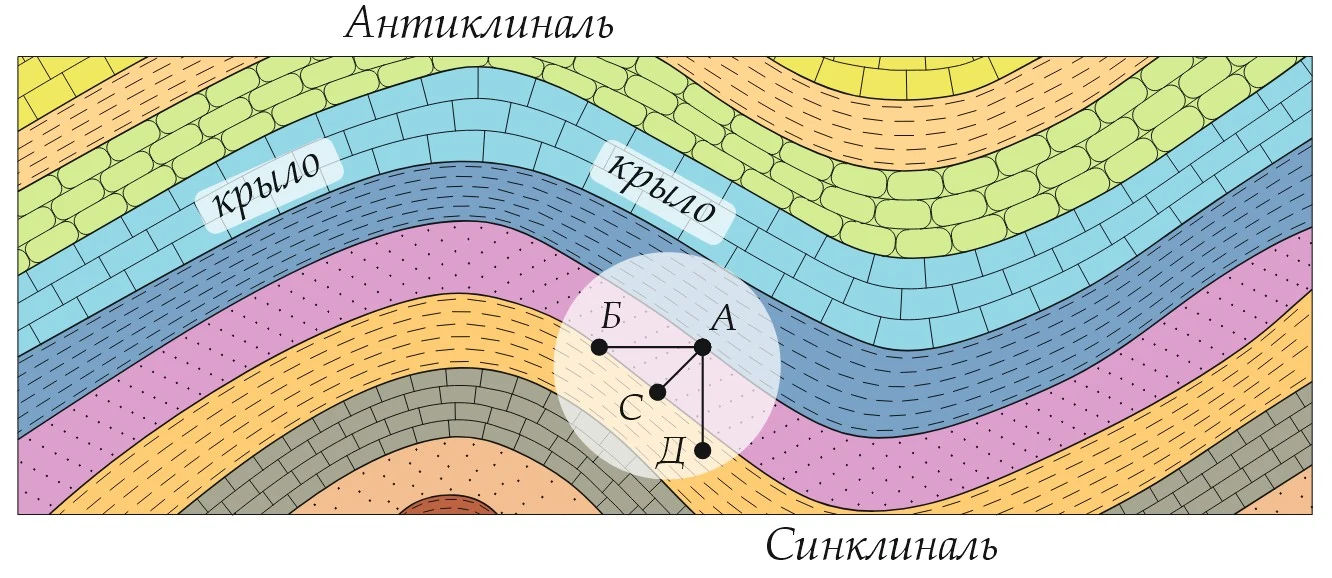
A docker for geologists and students: lithology patterns to FGDC and GOST, geologic lines, map symbols and geochronological scales in a few clicks. Cross sections, maps and well log plots that took days to draw are done in hours. Everything stays as ordinary, editable CorelDRAW objects.
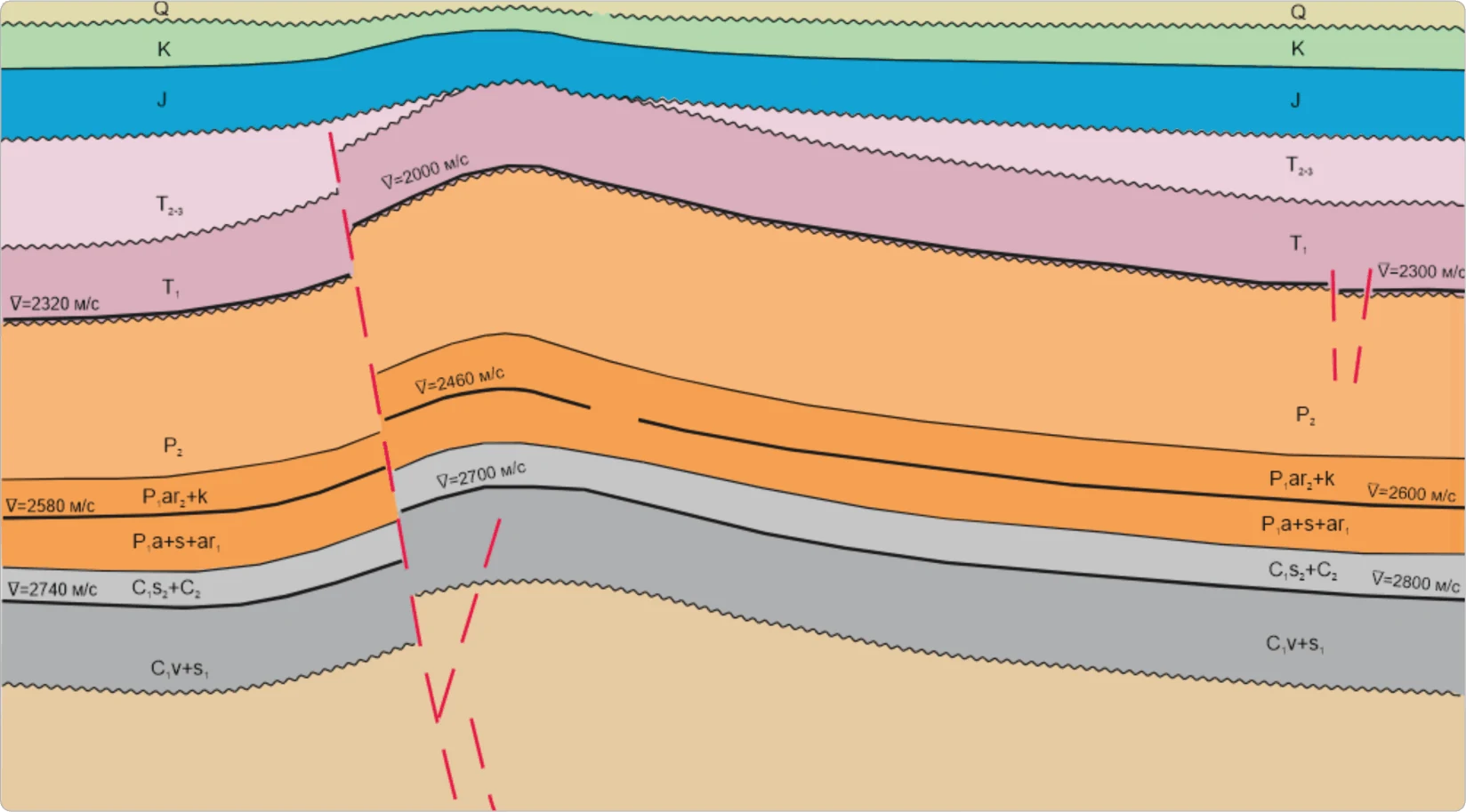
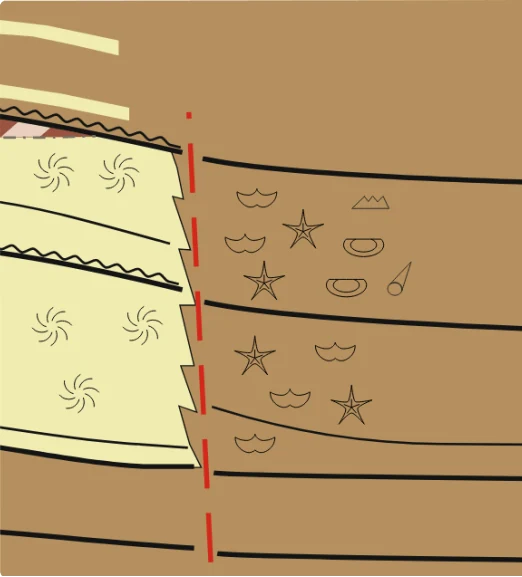
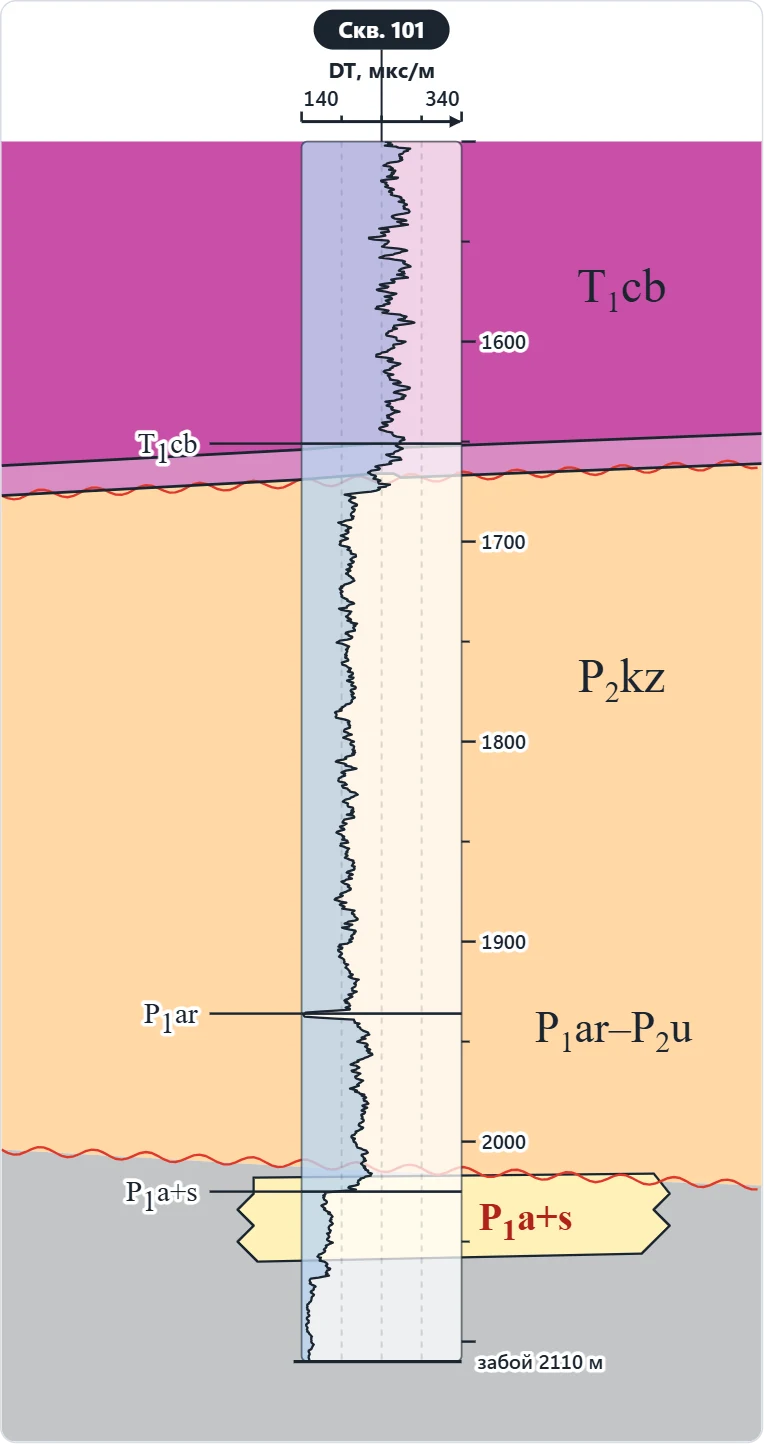
Why Lithology
Fills, lines and symbols are applied in one click and at your scale. No more copying patterns from old CDR files.
Symbols to FGDC, GOST 21.302-2013 and GOST 2.857-75, CGMW and VSEGEI scale colors — no manual checking against tables.
The result is ordinary CorelDRAW vector objects. Edit, recolor and print them as usual.
Coursework, theses, field-camp reports and research papers. A geologic map or cross section without hand hatching — and a skill you will use at work.
A one-month or six-month plan covers a project or a semester
Projects, reports, geologic maps and well log plots. Consistent symbology to FGDC and GOST, and everything stays editable CorelDRAW artwork.
The yearly plan is about $2 a month
Features
The docker interface was fully redesigned in version 4.0: cards, tooltips for every parameter, mouse-wheel input.
left: the docker tab, right: the result
30 sedimentary rock fills based on GOST 21.302-2013. Scale, symbols and intermediate layers adapt to each object.
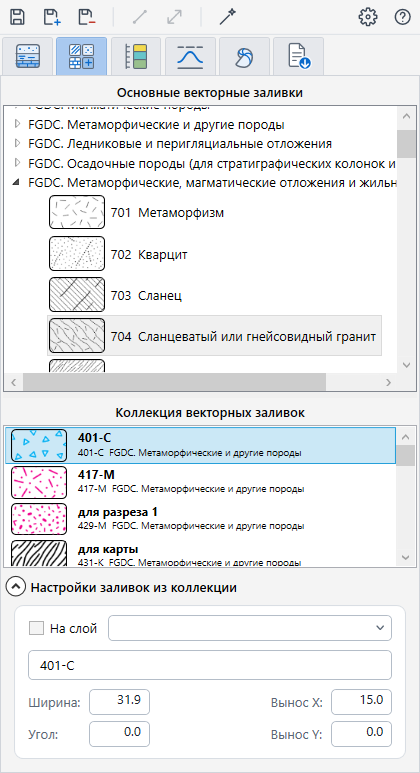
906 lithology patterns to FGDC, GOST 21.302-2013 and GOST 2.857-75. Change size, angle and offset in your own collection. Interactive fill: one click inside a closed outline creates the shape and fills it.
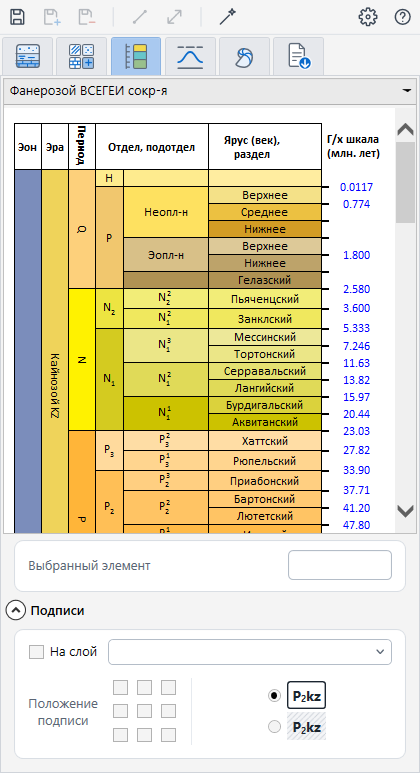
Standard CGMW and VSEGEI colors with automatic age labels.
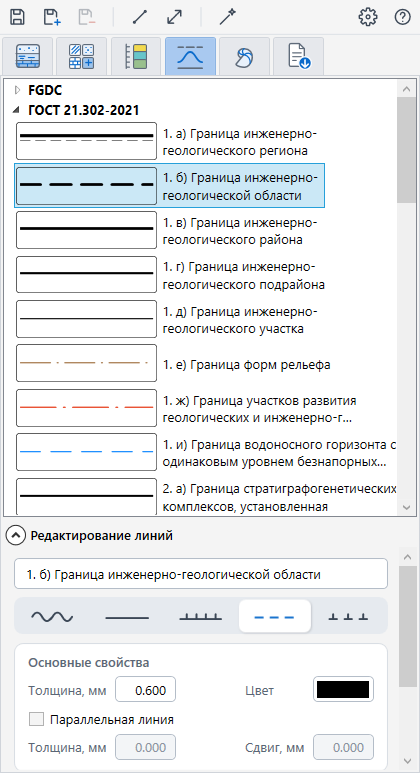
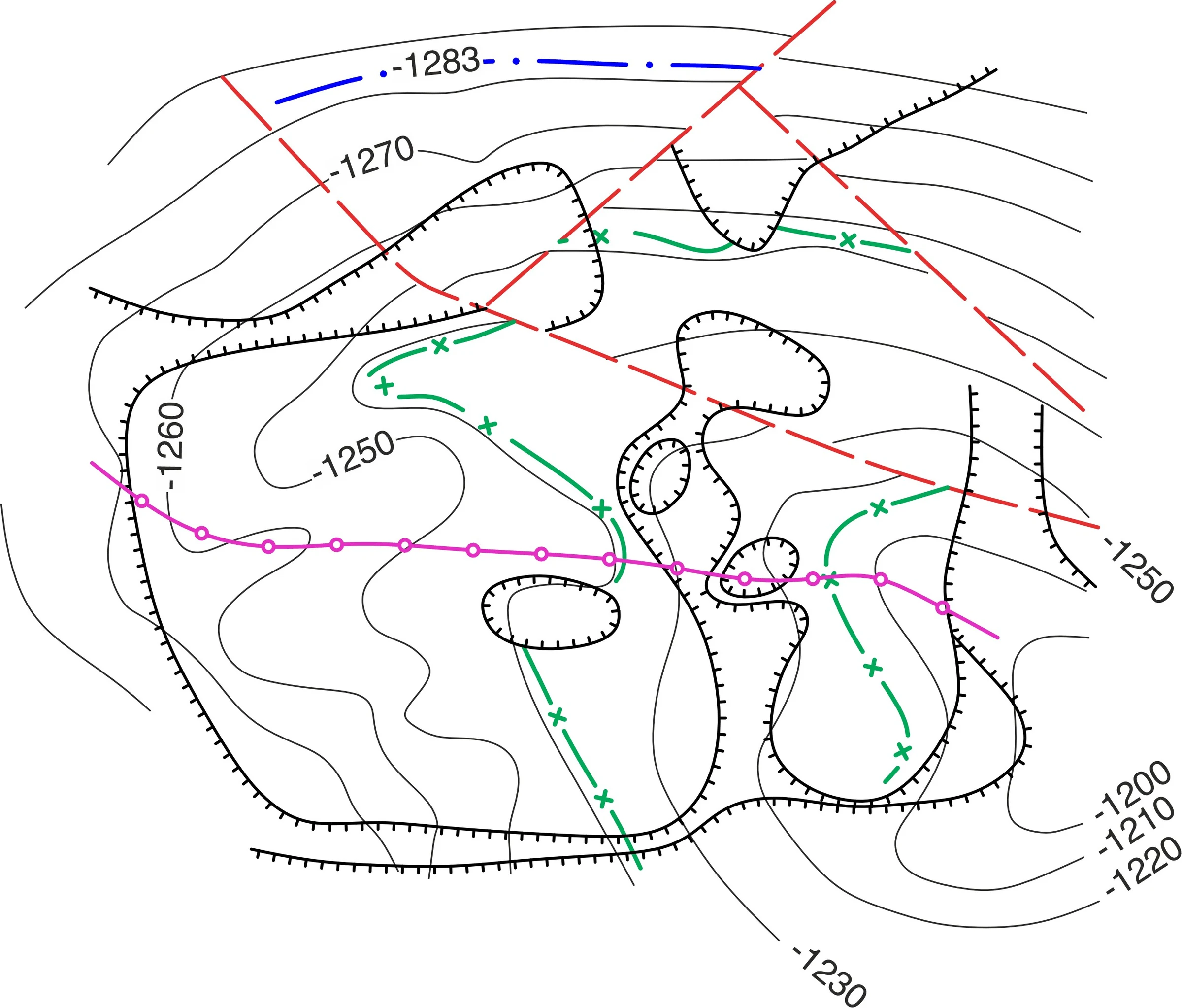
100+ FGDC line types and a line editor: waves, dashes, symbols on a line, parallel lines. Unconformities, pinch-outs, oil and gas contacts.
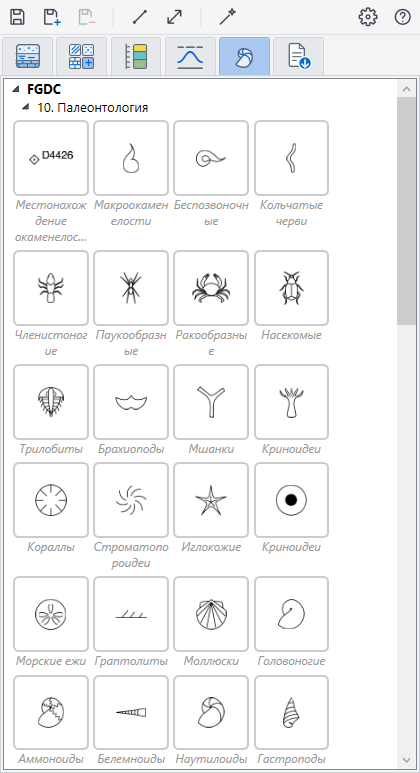
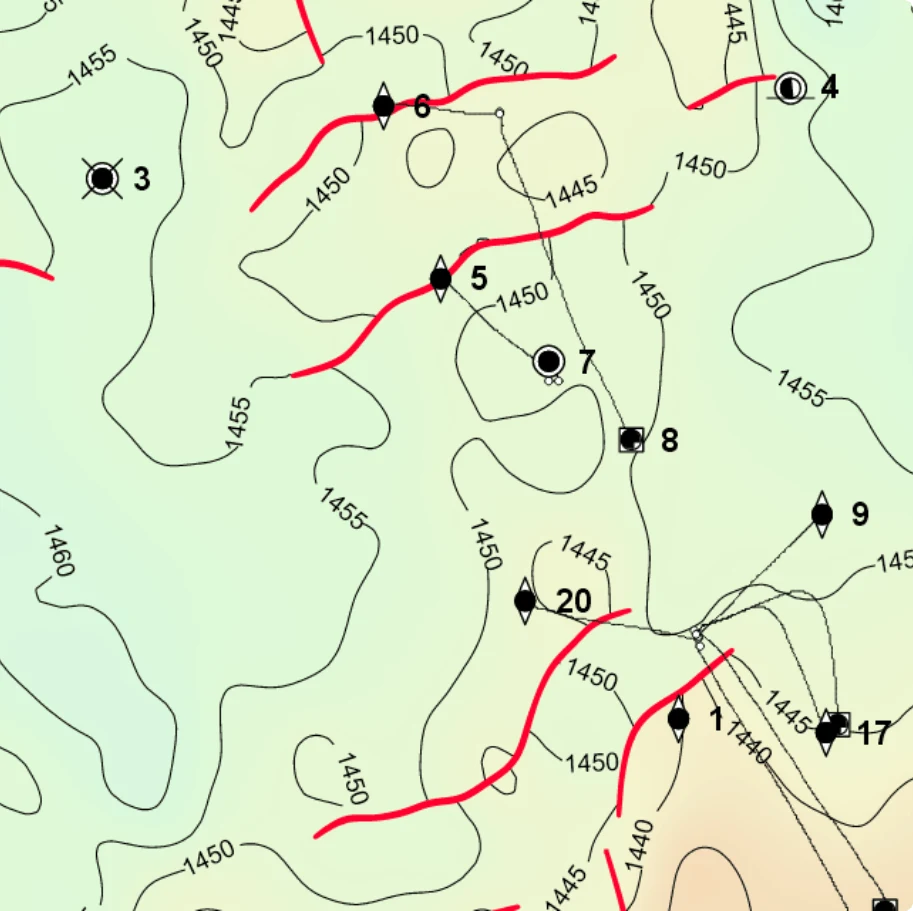
375 FGDC map symbols: wells, fossils, mines and workings — with thumbnails for quick search.
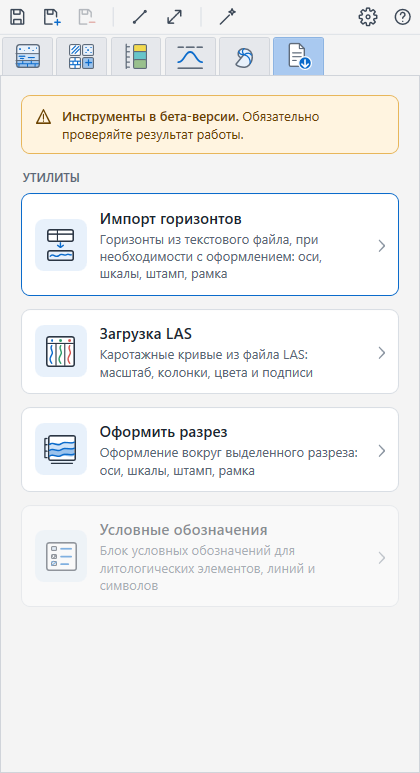
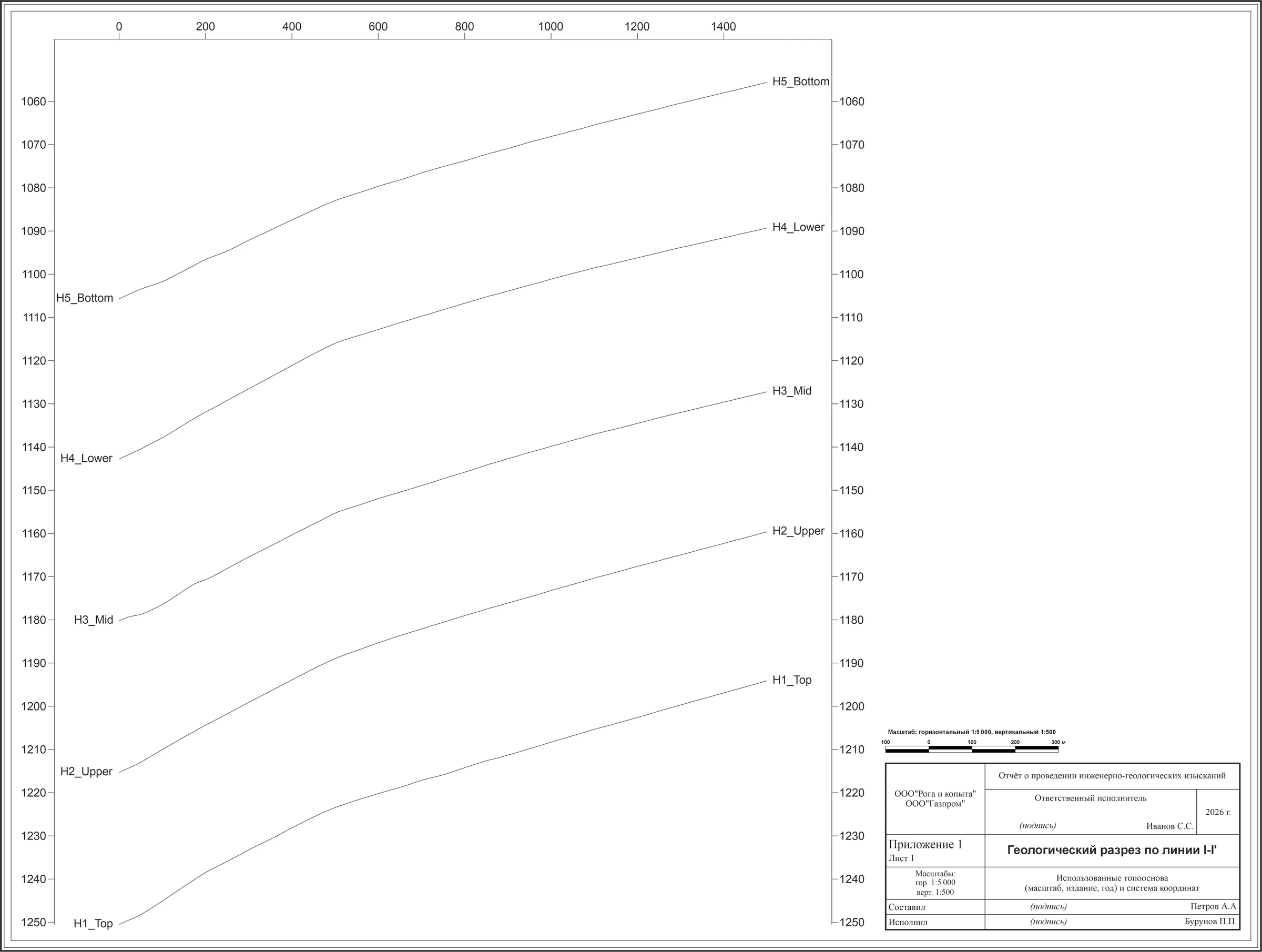
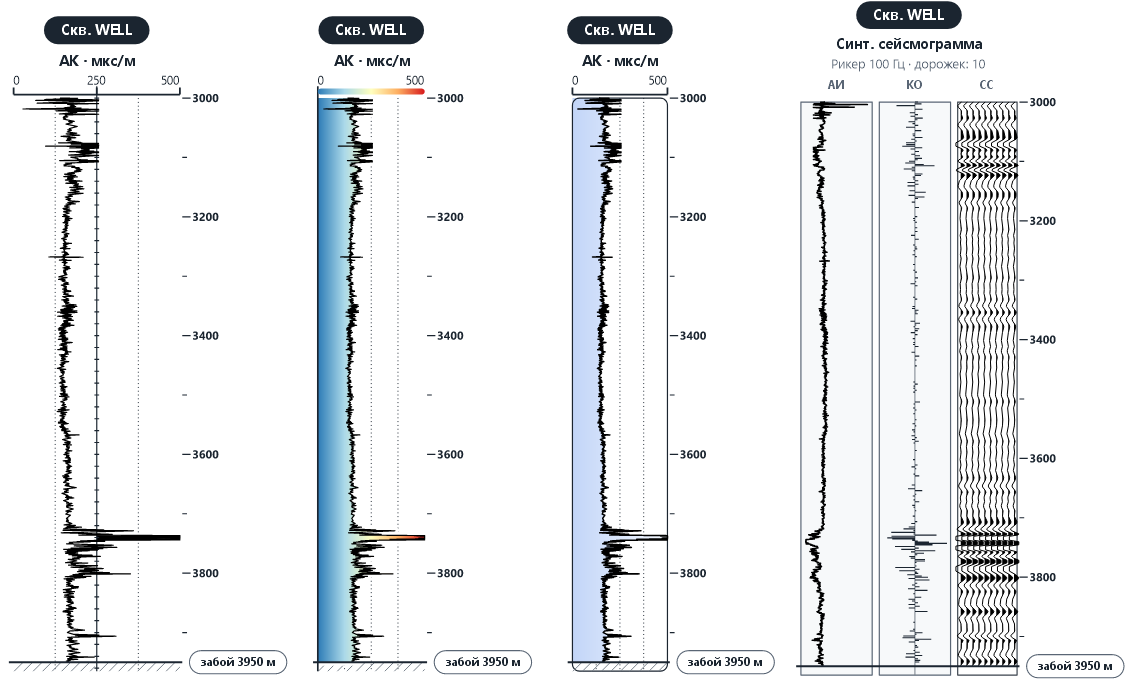
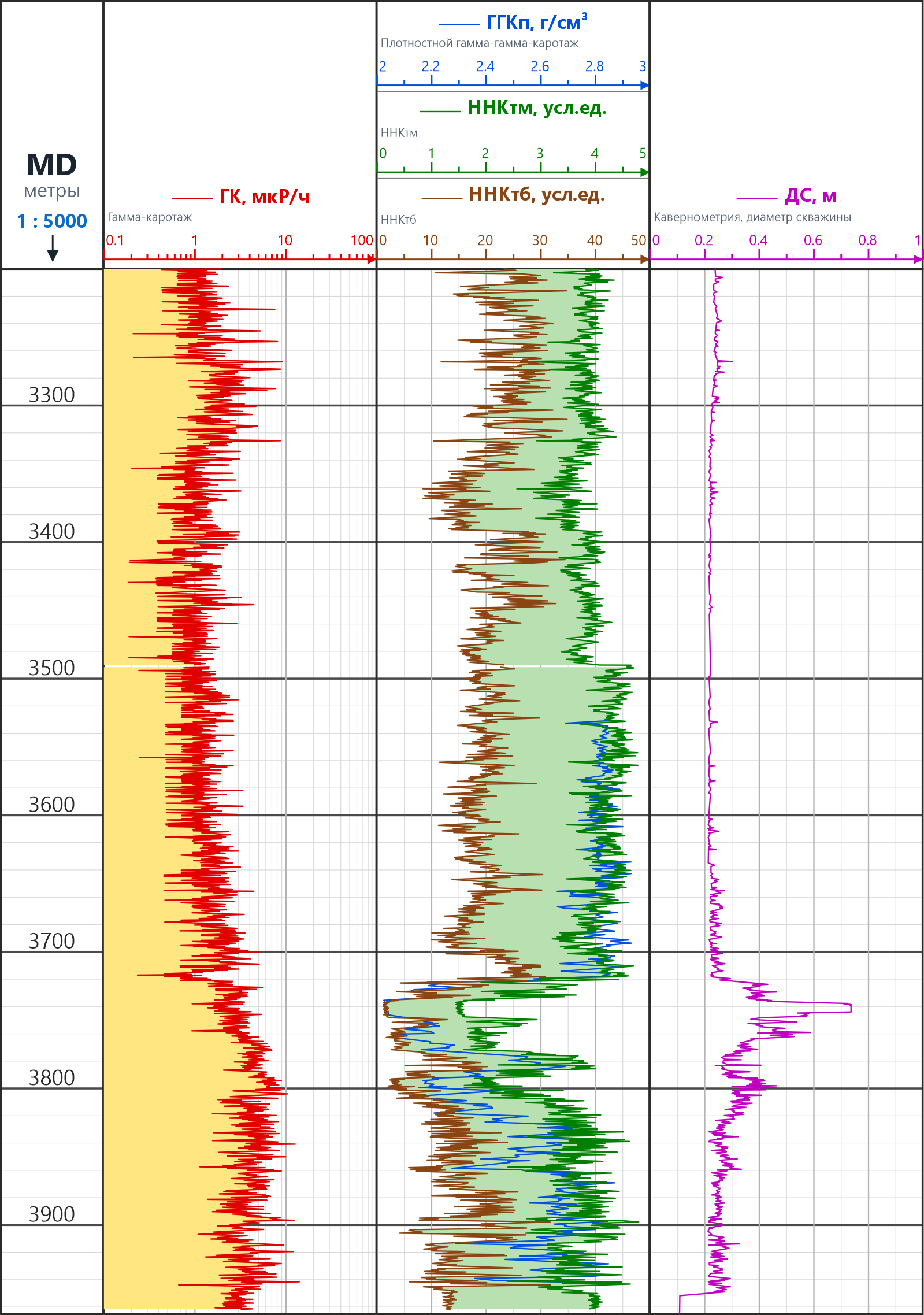
Load well logs from LAS files, import horizons from txt and csv, and format a cross section with axes, scale bars, a frame and a title block. These tools are in beta.
The utilities work in the demo too
The tools are in beta: check scales and labels on the result.
Examples
Getting started
Free, from SourceForge. The installer finds your CorelDRAW versions and installs the docker for you.
Every tool works. In the demo the result is created as a raster image with a watermark.
Copy your Hardware ID from Settings → Activation, send it with your payment and load the license.lic file from the email.
Pricing
Plans differ only by duration. LAS loading and horizon import are included in all of them.
Pay through Boosty: boosty.to/lithologydocker. Then send your Hardware ID to the Telegram chat or by email, and the license will be sent to you.
Several workstations or an invoice for a company — write to lithology.dev@bk.ru before buying.
FAQ
Every tool works, but the result is created as a raster image with a watermark — both fills and LAS plots. This way you test the program on your own data before buying.
Windows 10 or later, Microsoft .NET Framework 4.8+ and CorelDRAW X7, X8, 2017–2022, 2024, 2025 or 2026. About 20 MB of disk space.
The easiest way is the installer in the setup folder: it finds your CorelDRAW versions automatically. If your version is not listed, install manually from the archive in the zip folder. It contains two folders: copy Lithology to C:\Program Files\Corel\CorelDRAW Graphics Suite XXXX\Programs64\Addons\ and LithologyResources to C:\Users\{Your_user}\AppData\Roaming\Corel\CorelDRAW Graphics Suite XXXX\Custom Data\. Replace XXXX with your CorelDRAW version.
Start CorelDRAW and open Window → Dockers → Lithology.
Click the gear button in the top right corner of the docker and choose English, Turkish, Portuguese (Brazil) or Russian. The language changes after you restart CorelDRAW.
No. The license is tied to your computer by a Hardware ID, which is shown in the installed docker under Settings → Activation. Install the demo first, then copy the ID when you pay.
Through Boosty: boosty.to/lithologydocker/donate. Donate the amount of the plan you need and send your Hardware ID to the Telegram chat or to lithology.dev@bk.ru — we will generate the license and email it to you.
No. The demo is only for trying the program: everything created in it is saved as a raster image with a watermark, and it does not become vector after you buy a license. If you started work in the demo, apply the fills or run the import again after activation. For real projects, activate the license before you start.
One computer. If several CorelDRAW versions are installed on it, the docker works in all of them.
Load LAS reads LAS well-log files and converts feet to meters. Import horizons reads txt, csv and tsv text files with any delimiter. The utilities are in beta: check scales and labels on the result.
The demo is free. The installer finds CorelDRAW X7–2026 on your computer.